By Joel Dare - Written March 22, 2026
You can download a Notion document (or database entry) in Markdown format. Here’s how:
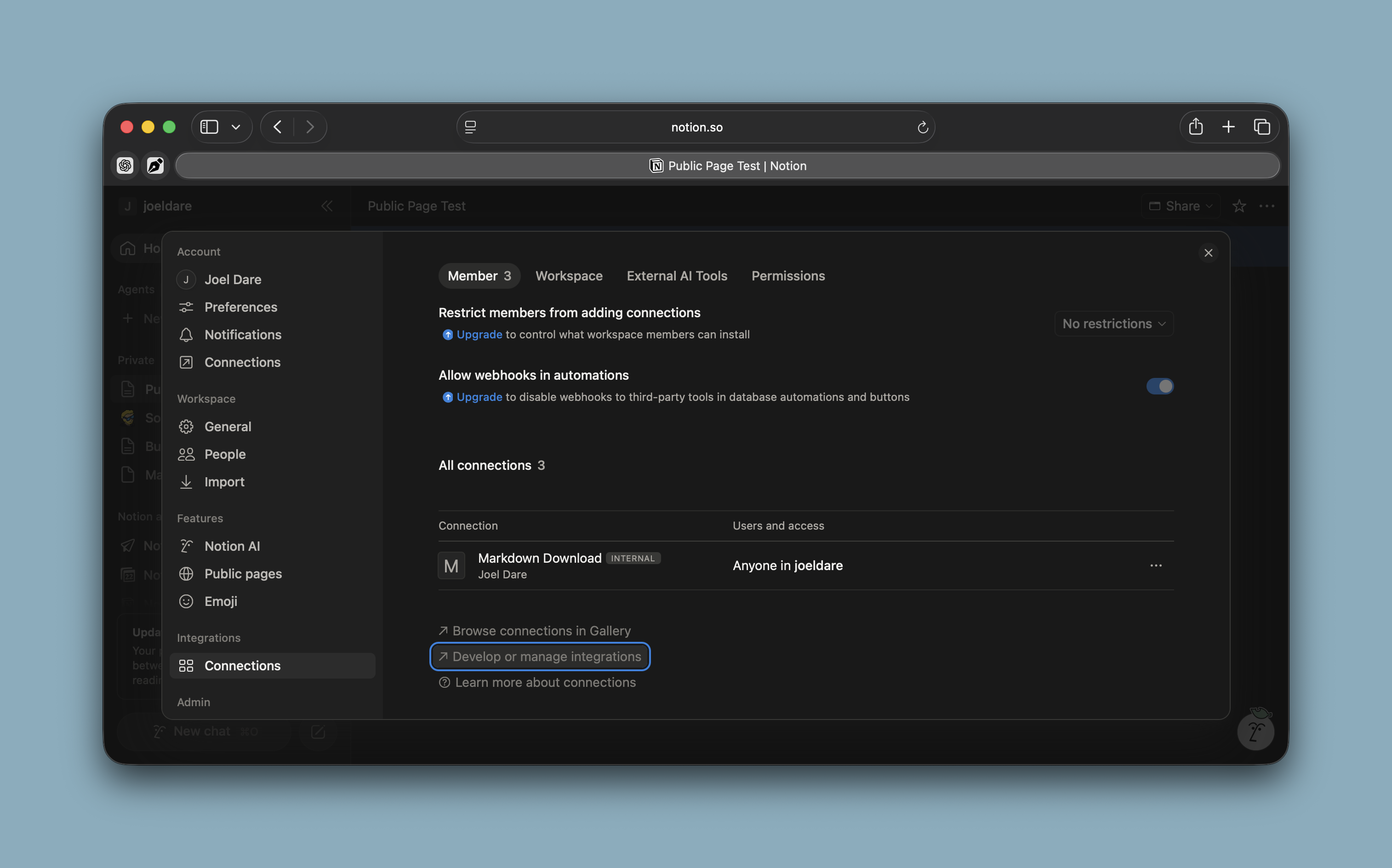
You’ll need an API key. You’ll find this in your Notion settings.
Settings > Integrations:Connections > Develop or Manage Integrations
In a terminal window you’ll need to export the API key. You can also put this in your ~/.zshrc or similar RC file.
export NOTION_API=[key]
Next, hit the API with CURL. Run the following command:
curl -sS "https://api.notion.com/v1/pages/32b9b74270f18064ae8cd686d451dfba/markdown" \
  -H "Authorization: Bearer $NOTION_TOKEN" \
  -H "Notion-Version: 2022-06-28"
I haven’t been a big user of Notion. I’ve been turned off by the complexity of it in certain ways, especially with copy/paste problems due to their block editor. I’m also a bit old school and I like to print things. I’ve had trouble getting print output that I like from Notion. But, people seem to really love it. I introduced it at my day job a while back and it took off.
For my own work, however, I decided, long ago, that I would work with markdown. It keeps my articles portable and evergreen.
Today I found out that I can export Notion documents in Markdown format. This could be really helpful to me. It means I could probably create a backup of all my Notion documents in markdown format and it means I can export a document as markdown and print it using my typical tools.
JoelDare.com © Dare Companies Dotcom LLC